Creating a comfortable and productive home office space can make a significant difference to your work-from-home experience. Whether you’re a remote worker, freelancer, or simply need a quiet area to focus, having a well-organised and inviting workspace supports better concentration, reduces stress, and enhances overall efficiency. Here are some practical tips to help you set up an ideal home office.
Choose the Right Location
Find a Quiet Spot
Select a space in your home that minimises distractions and noise. Ideally, pick a room or corner away from busy household areas. Natural barriers like doors or walls help create a more secluded environment.
Consider Natural Light
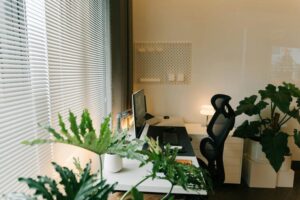
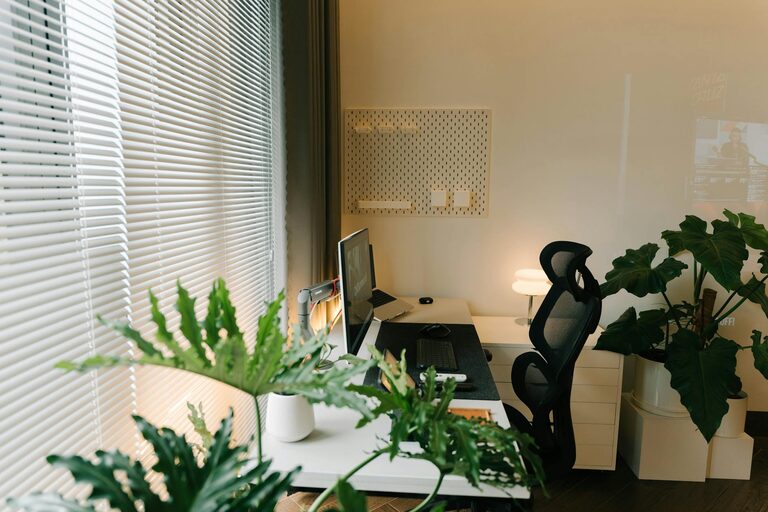
Position your desk near a window to benefit from natural daylight, which can improve mood and reduce eye strain. However, avoid placing your screen where direct sunlight causes glare.
Invest in Comfortable and Ergonomic Furniture
Ergonomic Chair and Desk
A comfortable, supportive chair is essential. Look for adjustable chairs that support your lower back and encourage good posture. Pair this with a desk at the right height to prevent slouching or straining your wrists.
Desk Size and Storage
Choose a desk large enough to hold your computer, documents, and any other tools you need. Desks with built-in storage or using separate organisers can help keep your surface clutter-free.
Optimise Lighting
Mix Natural and Artificial Light
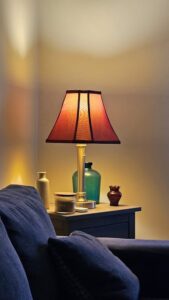
In addition to natural light, use adjustable, soft white LED lamps to brighten your space without harsh shadows. Task lighting focused on your work area reduces eye fatigue during darker hours.
Avoid Screen Glare
Adjust your monitor’s position or use blinds and curtains to manage light reflections that could strain your eyes.
Organise Your Workspace
Declutter Regularly
Keep only essential items on your desk to maintain focus. Store less frequently used items in drawers or cabinets.
Use Organisers and Cable Management
Desk organisers, trays, and file holders can keep stationary and paperwork tidy. Use cable clips or sleeves to manage wires and maintain a clean look.
Personalise Your Space
Add Plants or Artwork
Small plants can improve air quality and create a calming atmosphere. Framed prints or photos add personality without causing distraction.
Use Soothing Colours
Choose calm, neutral tones or colours you find inspiring to decorate your workspace. Avoid overly bright or distracting patterns.
Create a Routine and Boundaries
Define Work Hours
Set clear working hours, and communicate these to any household members to reduce interruptions.
Separate Work and Leisure Areas
Avoid using your home office for non-work activities to help mentally “switch off” when the workday ends.
Technology Essentials
Reliable Internet Connection
A stable, fast internet connection is vital for video calls, downloads, and cloud-based work.
Necessary Equipment
Invest in good-quality headphones, a webcam, and a keyboard or mouse suited to your needs. Consider a second monitor if you often multitask.
Maintain Good Air Quality and Comfort
Ventilation
Ensure your workspace has good airflow to stay fresh and comfortable throughout the day.
Temperature Control
Use fans, heaters, or air conditioning to maintain a comfortable temperature, adapting to the seasons.
Take Regular Breaks and Move
Incorporate Movement
Set reminders to take short breaks to stand, stretch, or move around. This helps reduce fatigue and improves circulation.
Create a Relaxation Spot
If you have room, include a comfortable chair or spot to take a few moments away from your desk.
—
By following these tips, you can create a home office space that supports both your comfort and productivity. Small changes in your environment, organisation, and habits can make your workday more enjoyable and efficient.